
 Web Development
 Data Science
 Python
 SQL
SQL JavaScript
 Artificial Intelligence
 IT & Software
 IT Certifications
 Hacking
 AWS
AWS Arduino
 DevOps
 3D Modeling
 Graphic Design
 Photoshop
 Drawing
 Digital Painting
 UX Design
 Business
 Data Analysis
 Communication Skills
 Project Management
 Leadership & Management
 Human Resources
 Digital Marketing
 Social Media Marketing
 Marketing
 SEO
SEO Google Analytics
 Branding
 Excel
Excel Office Productivity
 SAP
SAP PowerPoint
 Microsoft Access
 SharePoint
 Finance & Accounting
 Trading & Investing
 Accounting
 Bitcoin
 Personal Finance
 Video Editing & Animation
 Photography
 Adobe Premier Pro
 Adobe Lightroom
 Personal Development
 Productivity
 Career Development
 Life Coaching
 Health & Fitness
 Meditation & Mindfulness
 Yoga
Yoga Music
Music Music Production
 Guitar
 Piano
Piano Singing
 Language Learning
 Teaching & Academics
 Engineering
 Math
Math Lifestyle
  Quality Score
Content Quality
/
Video Quality
/
Qualified Instructor
/
Course Pace
/
Course Depth & Coverage
/
Overall Score : 0 / 100
 Course Description
Deepen your Excel knowledge by picking up powerful and effective analytics techniques used by Excel pros. In this course, instructor Chris Dutton shows how to leverage intermediate to advanced Excel analytics functionality using crystal clear demos, real-world case studies, and bite-sized lessons. Each video is self-contained and focuses on a key tool or feature that you can add to your Excel tool kit. Learn how to conduct outlier detection, perform Monte Carlo simulations, and use CUBE functions. Plus, explore forecasting, using the Goal Seek feature, and leveraging Solver to tackle complex optimization models in Excel.Note: Chris uses Microsoft Office 365 ProPlus for PC throughout the course, so some tips may not apply to all versions of Excel.


 Related courses


Microsoft Excel Data Analysis - Learn How The Experts Use It (2026)
5.0 (5,696 Reviews)
 Provider: Udemy
 Time: 3h
$39.99

More courses by Chris Dutton

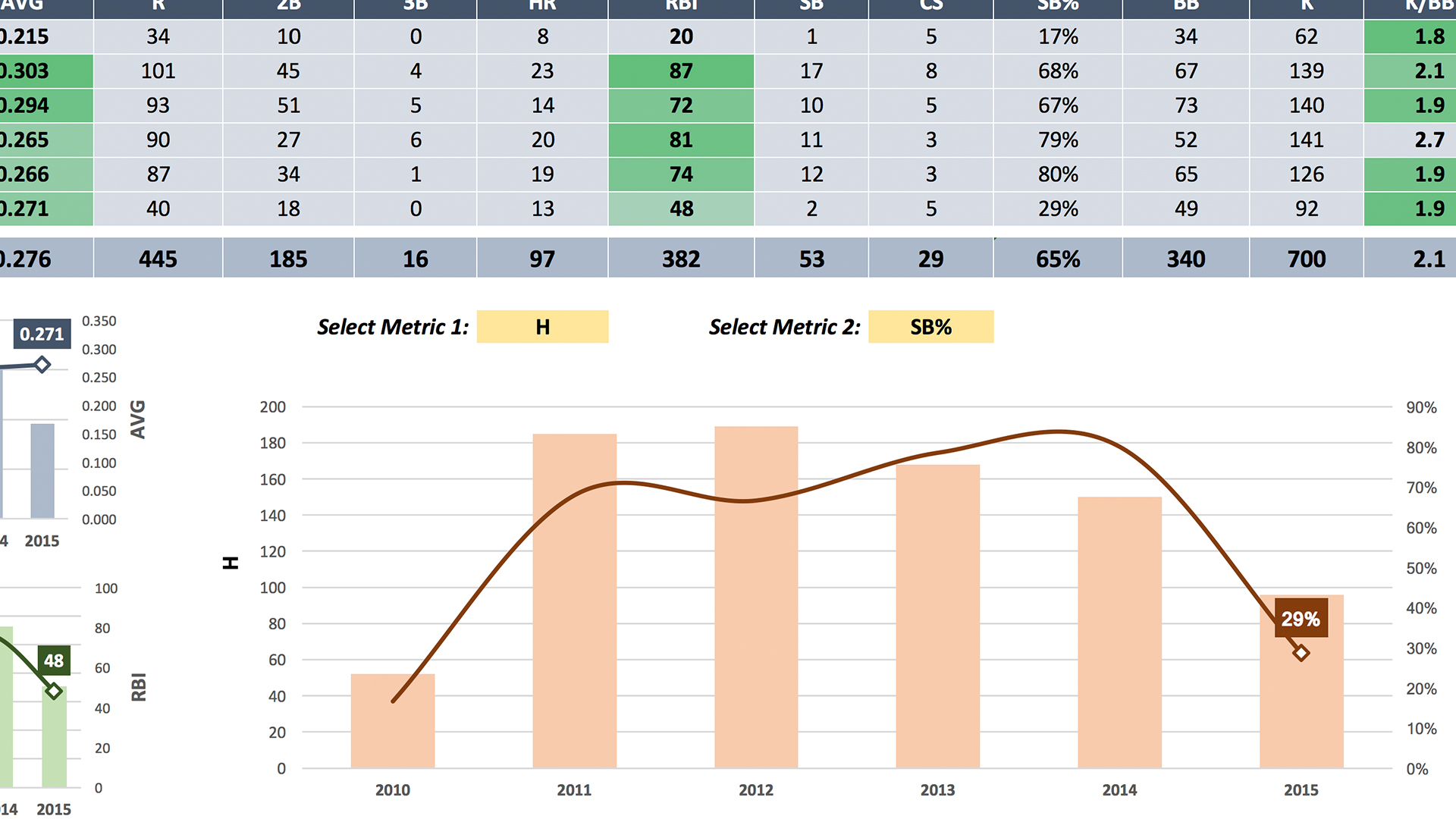
Excel Data Visualization Part 2: Designing Custom Visualizations (2018)
- Provider: LinkedIn Learning
- Time: 2h 3m
Free
 Reviews
Showing 5-star reviews only
No reviews yet. Be the first to review this course!
Showing all 0 reviews
Could not load more reviews.

- Video Duration:
 2h 3m
2h 3m - Price: Free
- Provider: LinkedIn Learning
- Year:
 2019
2019 - Level:
 Intermediate
 - Language:
 English
 - Certificate:
 Yes
Yes
LinkedIn Learning Coupon Price Tracker
