
 Web Development
 Data Science
 Python
 SQL
SQL JavaScript
 Artificial Intelligence
 IT & Software
 IT Certifications
 Hacking
 AWS
AWS Arduino
 DevOps
 3D Modeling
 Graphic Design
 Photoshop
 Drawing
 Digital Painting
 UX Design
 Business
 Data Analysis
 Communication Skills
 Project Management
 Leadership & Management
 Human Resources
 Digital Marketing
 Social Media Marketing
 Marketing
 SEO
SEO Google Analytics
 Branding
 Excel
Excel Office Productivity
 SAP
SAP PowerPoint
 Microsoft Access
 SharePoint
 Finance & Accounting
 Trading & Investing
 Accounting
 Bitcoin
 Personal Finance
 Video Editing & Animation
 Photography
 Adobe Premier Pro
 Adobe Lightroom
 Personal Development
 Productivity
 Career Development
 Life Coaching
 Health & Fitness
 Meditation & Mindfulness
 Yoga
Yoga Music
Music Music Production
 Guitar
 Piano
Piano Singing
 Language Learning
 Teaching & Academics
 Engineering
 Math
Math Lifestyle
How to Digitally Paint -- Paint with Clip Studio Paint (Udemy.com)
Go from sketch artist to master digital painter with How to Paint with Clip Studio Paint
Created by: Neil Fontaine
Last updated January 2022
 What you will learn
- Blend colors in Manga Studio like a professional painter
- Paint stunning digital paintings
- Compose paintings like Leonardo Da'Vinci
- Avoid beginners painting mistakes
- Master the fundamentals of digital painting
- Apply color theory
- Paint from black and white to color
- Paint a full painting
- Tell a story with your paintings
- Use the best color palettes
How it compares
Against the other 175 rated Udemy courses in Digital Painting on CourseDuck:
- Rating4.2 out of 5higher than 10% of them
- Reviews165#84 of 176 by number of reviews
- Length13.3 hourslonger than 85% of them
- Last updatedJanuary 2022more recently than 57% of them
 Quality Score
Overall Score : 84 / 100
 Course Description
We will do a few full paintings from sketch to completion. This is where we put it all together. So by the time you finish this course, you will have painted a few full paintings.
The course is structured so you can easily find the subject you are looking for. If you want to go back and watch how to paint that woman's shirt again in one of the lessons, you can, because the course is broken down into sections. Just find the lesson "painting her shirt."
You need this course if you are struggling with painting digitally. It will be a life saver, or your money back.
This is an eight-hour-long mega course, packed full of all the information you need in order to master digital painting with Manga Studio 5. However, much of the information can be used for any digital painting program.
You will not find a course out there like this that teaches so much and cost so little. Who this course is for:
- This course is meant for people that want to learn to digitally paint with Manga Studio.
- It is not meant for complete beginners that don't know how to draw anything.

 Udemy Discount
The discount is applied through our link. Open the course from here and Udemy's current promotional price is applied at checkout on most courses, no code to type.
Some courses are excluded from Udemy's promotions. If the price does not drop, clear your browser cookies and use the button again.
Instructor Details

- 4.2 Rating
 165 Reviews
Neil Fontaine
I'm a best selling author on Amazon for "How to Draw Awesome Figures."
I studied art at different schools, one of them being a community college in San Jose, Ca. Over the years, subjects in art finally clicked. I teach these subjects in ways that make it easy to grasp. It's hard to brag about myself, but students have written me emails saying how they have learned more from me than they did in art schools, art schools such as Academy of Arts in San Franscico. That blew my mind because it's supposed to be a great school.
I also sell abstract paintings that I painted while meditating. A recent painting sold for $10,963. If enough art students ask, I will make a course on how to abstract paint. You can see my paintings at saatchiArt
I'm also a writer that has sold novels.
 More courses by Neil Fontaine

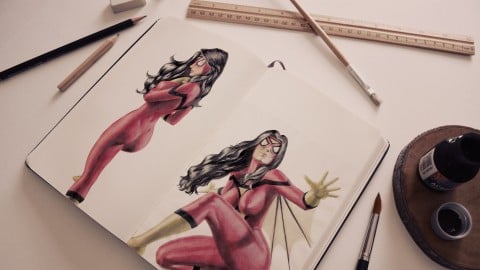
Anatomy for Figure Drawing: Mastering the Human Figure (2023)
4.4 (6,383 Reviews)
 Provider: Udemy
 Time: 58.4h
$109.99
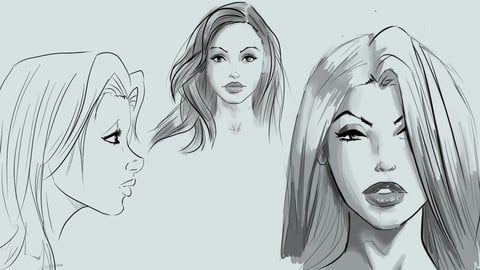
Learn to Draw Pretty Faces for Comic Books (2016)
4.7 (892 Reviews)
- Provider: Udemy
- Time: 4.9h
$12.99
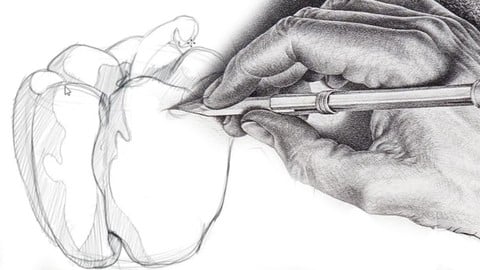
Fundamentals of Drawing Anything - Shading, pencils, more (2023)
4.5 (771 Reviews)
- Provider: Udemy
- Time: 9.3h
$84.99

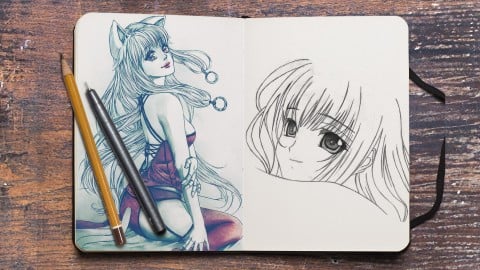
More Digital Painting courses

Character Art School: Complete Coloring & Painting (2026)
4.8 (6,042 Reviews)
- Provider: Udemy
- Time: 19.5h
$34.99



Procreate Masterclass: Digital Drawing on the iPad (2023)
4.8 (1,744 Reviews)
- Provider: Udemy
- Time: 18.2h
$94.99


Digital painting with Krita 5.0 intermediate level (2022)
4.8 (271 Reviews)
- Provider: Udemy
- Time: 6.8h
$79.99
 Reviews

By Andre Gorziza
Great!
By Igor Nunes
I left this stars to motivate the teacher to keep doing the best for his students!
By James SMITH
Easy to follow lessons.
By Gary Ow
Very good!
By John Hendrix
good basic starting point
By Michael Rhodes
In my painting classes in College, one of the first things covered was the media the paint is applied to. In the digital realm this is the canvas size and resolution. Which, in this course (and others by Neil) goes unmentioned or is just commented on in passing. The main painting (or the first one in the series) is an absurd 2.5 by 3 inches (which I converted from the metric to english measurements, which can be set in Manga Studio, btw). I found this out when the painting Neil was working on just looked way to grainy and I couldn't figure out why he was zooming in at more than 100% most of the time.
Not covering the resolution and canvas size is a major omission and (unfortunately) par for this course (and others by Neil).
Another omission is that Manga Studio has awesome brush customizations. None of which, beyond size, opacity and blending mode got covered. It would be nice to know if the brushes Neil used were "stock" or if he changed some of the settings. There's things like the ability to have painting brushes smear/blend with the colors already painted and such that never got a mention.
Then there's the actual painting itself. Having done many video tutorials (and having taught digital graphics in a college level class) I know that things pop up and have to be dealt with. If you're working "live" you have to deal with them as they happen. When recording, the issues should be resolved off-camera and then the lecture should continue. It's jarring to have to listen to the same complaints that Neil has about his specific set-up time and time again. Get the darn sleeve/glove and then create the lectures. At best this is just a distraction, at worse this is just amateur-hour videos.
This is a very windows-centric course, those of us on Macs do not have a "print screen" button that we can copy images from (it's screen capture). Besides, most times saving the image to the desktop and then importing the image into Manga Studio works better. Case in point, at the later lesson when Neil's placing a bird flock into the background, the checkerboard pattern on the Google Search window indicates that there's transparency in the image. I saved the exact image to my desktop and imported it into Manga Studio and was able to skip a number of steps Neil had to do in order to use his copy&pasted image.
Now when the lectures begin, this is where Neil's knowledge and experience shines. His analysis of paintings, discussions about composition and explaining the 30-70 rule is one of the best I've heard, anywhere. It's just when he gets into the actual painting and using Manga Studio that he fumbles the ball.
It doesn't engender confidence when the instructor seems to be learning the program as the lessons progress. It's as if we're watching the rough draft of something that should be awesome, but isn't there yet. I feel that if some of the lectures had more planning and a second "take" they would be as good as the earlier lectures.
TL/DR capsule summary: Good info and lectures on basics of composition, color, contrast and basic painting. Little to no info on Canvas (file) dimensions and resolution. There's no info on how Manga Studio brushes work aside from the brushes Neil uses. When it comes to using Manga Studio, it's a superficial look at it, basically it's just a primer on how to begin to use Manga Studio for digital painting. We're told that the transparent Watercolor brush is good to use, but not really why it's "better" than other brushes (the oil or Airbrush for example). If one really wants to learn how to use Manga Studio for digital painting, there's other videos out there that is more complete and shows how to fully take advantage of what Manga Studio can do and not just use it as a faux-photoshop replacement.
By Dre Weiss
Love this instructors courses.
By Timothy Wise
The instructor does not teach how to think but hot to use applications
By mrglennreaper .
I have learned a lot.
By Wilson Stewart
Like the artists delivery method
By Steve Goupil
With what I've seen so far this course is exceptional in explaining the concepts completely without slowing things down with too much detail. Looking forward to the rest of the course!
By Kevin D Allen
Neil is a great teacher. He has a way of infecting you with his passion. This is a great course for learning your way around Manga Studio

- Video Duration:
 13.3h
13.3h - Price: $59.99
- Provider: Udemy
- Updated:
 January 2022
 - Level:
 All Levels
 - Language:
 English
 - Certificate:
 Yes
Yes
30-day money-back guarantee on most paid courses
Udemy Coupon Price Tracker
