
 Web Development
 Data Science
 Python
 SQL
SQL JavaScript
 Artificial Intelligence
 IT & Software
 IT Certifications
 Hacking
 AWS
AWS Arduino
 DevOps
 3D Modeling
 Graphic Design
 Photoshop
 Drawing
 Digital Painting
 UX Design
 Business
 Data Analysis
 Communication Skills
 Project Management
 Leadership & Management
 Human Resources
 Digital Marketing
 Social Media Marketing
 Marketing
 SEO
SEO Google Analytics
 Branding
 Excel
Excel Office Productivity
 SAP
SAP PowerPoint
 Microsoft Access
 SharePoint
 Finance & Accounting
 Trading & Investing
 Accounting
 Bitcoin
 Personal Finance
 Video Editing & Animation
 Photography
 Adobe Premier Pro
 Adobe Lightroom
 Personal Development
 Productivity
 Career Development
 Life Coaching
 Health & Fitness
 Meditation & Mindfulness
 Yoga
Yoga Music
Music Music Production
 Guitar
 Piano
Piano Singing
 Language Learning
 Teaching & Academics
 Engineering
 Math
Math Lifestyle
Submarine Interior Game Environment Creation in Blender (Udemy.com)
Learn How to Create a Game Environment using Blender, Substance Painter, Substance Designer, Marmoset Toolbag, & Unreal
Created by: Victory3D LLC
Last updated January 2020
 What you will learn
- Create a game-ready submarine corridor from start to finish
- Create detailed modular wall models and pipes
- High to low poly modeling technique
- Create tileable painted textures
- Bake assets and generate texture maps
- Generate special mask for dynamic color and dirt modifications
- Create lighting and post effects
How it compares
Against the other 72 rated Udemy courses in Game Design on CourseDuck:
- Rating4.4 out of 5higher than 26% of them
- Reviews128#41 of 73 by number of reviews
- Length23.5 hourslonger than 79% of them
- Last updatedJanuary 2020earlier than 75% of them
 Course Description
Instructor Info
Emiel Sleegers always had love for video games and when he was young, he started using Unity3D for programming but he found himself gravitating more towards the art of making games. Now he is currently working as an environment artist in Ubisoft. He contributed to creating AAA games such as Forza Horizon 3 and The Division 2. His all time favorite game is The Last of Us and that video game is what inspired him to want to work in the game industry. His advice for beginner artists is to focus on one aspect of gaming that they are passionate about, stick to it and get better at it. His hobbies include anything related to games or films, whether it be working on personal projects, freelance work or going out for movies.
Course Info
In this exciting tutorial, you will learn the professional way of creating a game-ready submarine corridor from start to finish using Blender, the Substance suite and unreal engine 4.
We will go over in detail on how to model modular walls that can be used to construct our corridor.
After that we will start modeling modular pipes using the high to low poly modeling technique and use that to construct all the piping networks that are in our scene.
Finally, we will model some smaller assets like a metal door, some signs and a fuse box to dress up our scene.
Once modeling is done we will move into Substance Designer where we will be creating a tileable painted metal texture that we can use on our walls and other assets.
Then we will move our high poly and low poly assets into Marmoset toolbag where we will be baking the assets and generating our texture maps. At which point we will bring everything into substance painter and start texturing our assets.
We will also generate special masks which along with a custom shader in unreal engine 4 we can use to dynamically change the color and dirt amount on our assets.
Finally, when everything is done and ready to go we will import everything inside Unreal Engine 4 and start building our level, create our lighting and post effects and some final polish to really make the level shine.
I am excited to show you all these techniques that you can use so you can become a better environment artist. Turn up the heat and ignite your skills. Keep adding new knowledge, new workflow, new tactics to grow and expand. Life is about growing and reaching your fullest potential.
Take action and start committing to your success today. Join me in this amazing course and let’s get started.

 Udemy Discount
The discount is applied through our link. Open the course from here and Udemy's current promotional price is applied at checkout on most courses, no code to type.
Some courses are excluded from Udemy's promotions. If the price does not drop, clear your browser cookies and use the button again.
Instructor Details

- 4.4 Rating
 128 Reviews
Victory3D LLC
What is our mission? Why do we do what we do?
Our unwavering mission is to empower dreamers, transforming their aspirations into tangible careers. By harnessing their unique talents, artists can illuminate the world with entertainment, ignite joy through creation, convey powerful messages, and above all, inspire others on a global scale. Join us on this remarkable journey towards making dreams a reality.
We provide students with affordable and substantial tutorials that are easy to understand and produce results. We believe that industry experience, effective teaching, and student interaction are the key ingredients for providing a high quality learning system. With Victory3D, you will find a collection of affordable courses made by artists with experience working in Ubisoft, Blizzard, Gameloft, MPC, Double Negative and many more!
 More courses by Victory3D LLC
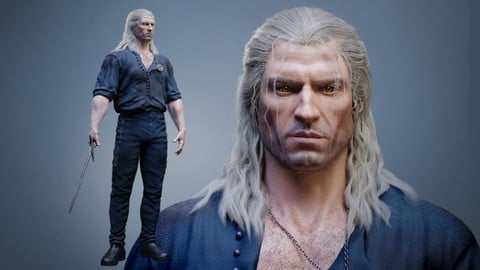
Complete Guide to Realistic Character Creation in Blender (2026)
4.3 (1,595 Reviews)
 Provider: Udemy
 Time: 53.7h
$119.99

Human Anatomy for Artists using Zbrush and Photoshop (2019)
4.7 (673 Reviews)
- Provider: Udemy
- Time: 21.1h
$74.99
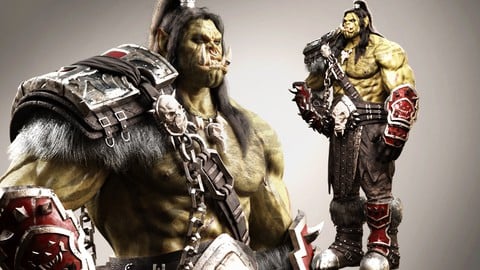
Blender Character Creation Masterclass - Orc Warrior (2026)
4.5 (662 Reviews)
- Provider: Udemy
- Time: 73.8h
$89.99
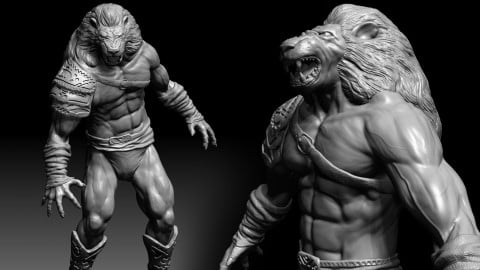
3D Character Creation: Sculpting in Zbrush (2019)
4.4 (611 Reviews)
- Provider: Udemy
- Time: 4.7h
$64.99

Zbrush Facial Anatomy and Likeness Character Sculpting (2019)
4.4 (376 Reviews)
- Provider: Udemy
- Time: 9h
$64.99
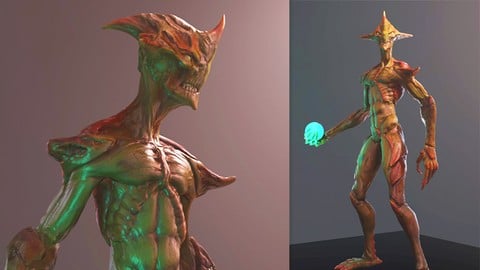
3D Game Character Creature - Full Complete Pipeline (2019)
4.8 (322 Reviews)
- Provider: Udemy
- Time: 14.3h
$64.99
More Game Design courses
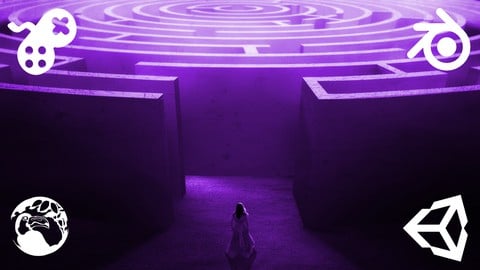
Master Procedural Maze Generation - Unity 6 Compatible (2025)
4.8 (412 Reviews)
- Provider: Udemy
- Time: 21h
$79.99
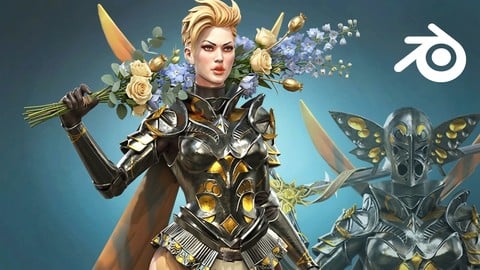
Full game character in Blender course - Moth Girl (2025)
4.8 (305 Reviews)
- Provider: Udemy
- Time: 49.9h
$19.99
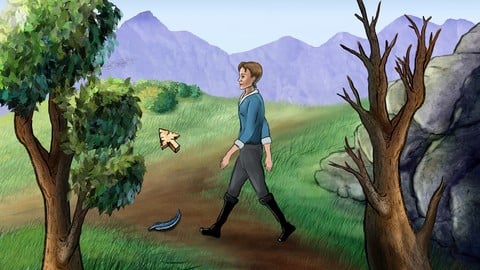
2D Adventure Game Creation: Art, Music, Programming and More (2019)
4.7 (338 Reviews)
- Provider: Udemy
- Time: 19.6h
$84.99

Indie Game Design: Build Your Game’s Core System (2026)
4.7 (155 Reviews)
- Provider: Udemy
- Time: 3.4h
$19.99
 Reviews

By Anthony Montoya on 8/27/2024
Emiel is a well rounded Environment Artist. This course has raised the bar to the kind of quality I need to continue to output. Being able to create and problem solve on blender when he is not native to the software for the sake of keeping the project and skills accessible to a degree. The experience translates well. Grateful for this project.
By HankChan on 3/4/2024
如果想學blender或substancePainter的使用的話 非常不建議看這邊 教的老師壓根不熟悉這兩工具, 所以前面12345節基本上都可以跳過 尤其是對建模對齊 或程序化作業有強迫症的朋友 要謹慎考慮 老師有很多操作就是憑感覺直接物件拖拉 就了事了 所以常常到後面會需要重複處理各種奇怪bug 但雖然上面貶了很多, 不過從結果來說, 也是很快速就搭出了能看的場景 所以覺得自己工作效率低落的朋友 可能...也可以參考一下吧... 總之看678節比較推薦就是了
By Yuanche Ma on 9/8/2023
I absolutely appreciate the effort from this lecturer but he seemed to be somewhat inexperienced with Blender. He basically starts the course by switching to 3ds Max keymapping, and during the modelling process the workflow is obviously sub-optimal (e.g. manually beveling where the modifier is clearly better) I think you can definitely learn quite a bit from this course if you're a beginner, but for someone more familiar with this software it can actually get really tough to follow along.
By Carlos Grisales on 12/9/2021
Explica de manera comprensible y tiene claridad con los conceptos, no tiende a explicar cosas innecesarias pero ahonda en los conceptos básicos para poder entender lo que está haciendo y comprender mejor su explicación.
By Salim Pamukcu on 8/27/2020
this is an awesome class...just started but the topics covered, tools used and the way that instructor approaches makes it possible to follow all levels from beginners to int artist and or any Unreal user...not only you learn modeling but most major topics materials, lights and meshes..no game can survive with those :) Great instructor :)
By Leo on 7/12/2020
Positive: The course has a really nice range of content and instructor really knows a lot. Negative: The course is non-linear, more noticeable from the Unreal section. This in itself is not necessarily bad because we can see the Instructor's workflow to find errors, polish things and being creative. But I personally do not like this didactic because I would prefer to learn how to do it right from the beginning. The bad part of it is you put your effort to absorb some technique, after 5h you discover that it was not quite that. Or if you are doing another project and want to go back to the course to remember how to do something, you have to keep looking between completely different videos. I'm sorry for not being able to give a better grade because I feel if there are students not like me, this course will be excellent. If there are students like me, they need to be aware. Maybe the course is worth anyway because it has a nice content.
By Matija Čić on 6/17/2020
I would like to thank you very much for such an, amazing work. I am a multimedia student from Croatia and I'm doing 3D for about a year and a half. This course was very helpful. I have learned a loot new skills and improved some old ones. I always wanted to learn about level design and this was the right course for me to learn the fundamentals and it was a great experience to work on this project. Thank you for your time for making this course. Greatings, Matija Čić
By Sean Alfred Juillerat on 2/1/2020
Great course. Victory 3d is known for making courses using other 3d modeling software but I believe this is there first Blender course. And I must say the Blender course it is worth it. You will create something that looks good in the portfolio. Further the instructor is well informed, clear and takes his time. There was never any confusion of "how did he make X?" Overall I do recommend and I do hope we get more Blender Courses from Victory 3d.
By Jerry Danzinger on 1/29/2020
This course has been great. I've learned alot of new techniques and methods thus far just on the modeling side of things. For that alone it's been worth it.
By Mete Vural Doğan on 1/23/2020
i glad to see a blender course from Victory 3D LLC this course is really amazing to learn the workflow creating a game environment i hope they will keep going making blender courses and i want to say about something maxivz tools addon this addon is causing some issues in blender especially with the selection tools while i was watching course i realized that Emiel struggle with the same problem
 Quality Score
No CourseDuck member has rated this course yet. Taken it? Give each part a thumbs up or down.
Overall Score : 88 / 100

- Video Duration:
 23.5h
23.5h - Price: $54.99
- Provider: Udemy
- Updated:
 January 2020
 - Level:
 Intermediate
 - Language:
 English
 - Certificate:
 Yes
Yes
30-day money-back guarantee on most paid courses
Udemy Coupon Price Tracker
