
 Web Development
 Data Science
 Python
 SQL
SQL JavaScript
 Artificial Intelligence
 IT & Software
 IT Certifications
 Hacking
 AWS
AWS Arduino
 DevOps
 3D Modeling
 Graphic Design
 Photoshop
 Drawing
 Digital Painting
 UX Design
 Business
 Data Analysis
 Communication Skills
 Project Management
 Leadership & Management
 Human Resources
 Digital Marketing
 Social Media Marketing
 Marketing
 SEO
SEO Google Analytics
 Branding
 Excel
Excel Office Productivity
 SAP
SAP PowerPoint
 Microsoft Access
 SharePoint
 Finance & Accounting
 Trading & Investing
 Accounting
 Bitcoin
 Personal Finance
 Video Editing & Animation
 Photography
 Adobe Premier Pro
 Adobe Lightroom
 Personal Development
 Productivity
 Career Development
 Life Coaching
 Health & Fitness
 Meditation & Mindfulness
 Yoga
Yoga Music
Music Music Production
 Guitar
 Piano
Piano Singing
 Language Learning
 Teaching & Academics
 Engineering
 Math
Math Lifestyle
How To Color Comics - Essential Digital Techniques (Udemy.com)
Color Digitally in Clip Studio Paint, Procreate, or Photoshop for Manga | Comics
Created by: Ed Foychuk
Last updated April 2023
 What you will learn
- Learn how to approach lighting a piece
- learn how to flat color
- learn basic cell shading
- learn gradient shading
- learn color approaches
- learn painterly styles
How it compares
Against the other 175 rated Udemy courses in Digital Painting on CourseDuck:
- Rating4.8 out of 5higher than 92% of them
- Reviews149#89 of 176 by number of reviews
- Length4.5 hourslonger than 59% of them
- Last updatedApril 2023more recently than 68% of them
 Course Description
Have you been wanting to delve into the world of digital coloring, but are not sure where to start? Have you tried a few techniques, maybe from places like youtube, but found them lacking? If you're wanting to REALLY bring up your A game in digital coloring, this is the course for you!
Join me as I go through the units below in real time. No fast forwarding. No quick edits to catch mistakes. Just looking at the REAL process and approaches to having a finished colored piece. This course was created in Clip Studio Paint, but is applicable for programs like Photoshop, and Procreate as well.
This course will cover...
- Understanding Lighting
- Flat Colors
- How and Where to add Details
- Cell Shading
- How to use Layer Masks
- Using Gradients
- Real applications of Lighting
- Line Holds
- Color Hues
- Painting
- Effects
- Other tips and tricks!
- Ed Foychuk
The course files (psd, csp) can be found on gumroad, feel free to pm me for directions.
Use the code free4students to get it for free! Who this course is for:
- Beginners and Intermediates new to digital coloring

 Udemy Discount
The discount is applied through our link. Open the course from here and Udemy's current promotional price is applied at checkout on most courses, no code to type.
Some courses are excluded from Udemy's promotions. If the price does not drop, clear your browser cookies and use the button again.
Instructor Details

- 4.8 Rating
 149 Reviews
Ed Foychuk
A professional illustrator based mostly in Asia, Ed Foychuk has been published both professionally, and as an Indie creator, in comics. He is best known for his work in creating Captain Corea.
Ed also studied Anatomy and Strength Training in University and is well versed in exercise physiology and muscular anatomy. Perfect for helping you with understanding how to combine art and muscles!
Ed has experience teaching in Academic and Professional settings.
 More courses by Ed Foychuk
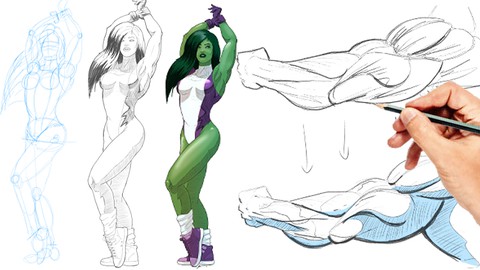
How To Draw - Anatomy and Figure Drawing - Ultimate Course (2025)
4.6 (1,722 Reviews)
 Provider: Udemy
 Time: 9.9h
$15.99
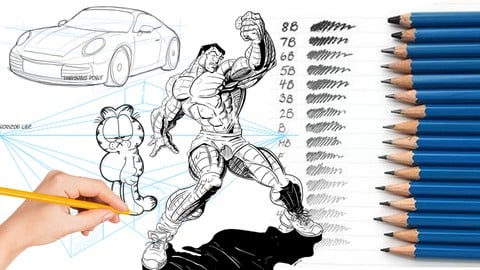
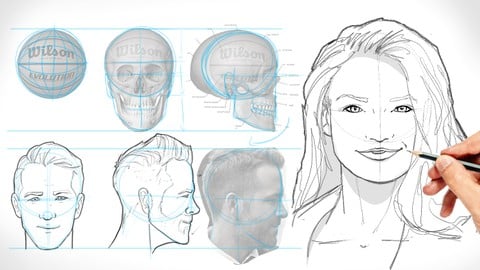
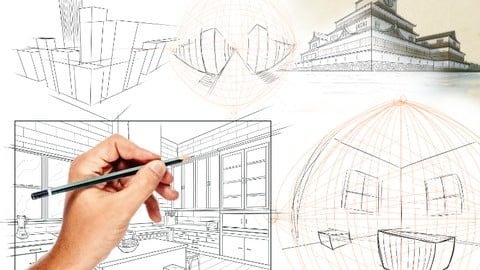
How To Draw Backgrounds and Perspective - Essential Course (2022)
4.7 (491 Reviews)
- Provider: Udemy
- Time: 7.2h
$99.99
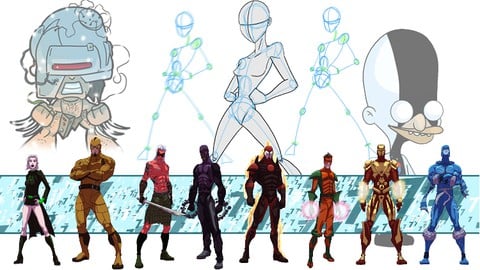
How To DESIGN CHARACTERS for comics, games and animation (2025)
4.7 (367 Reviews)
- Provider: Udemy
- Time: 4h
$84.99
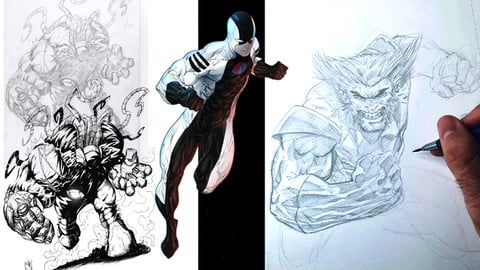
How To RENDER Comics - Shading, Inking, and Coloring! (2022)
4.6 (330 Reviews)
- Provider: Udemy
- Time: 8.8h
$89.99
More Digital Painting courses

Character Art School: Complete Coloring & Painting (2026)
4.8 (6,042 Reviews)
- Provider: Udemy
- Time: 19.5h
$34.99



Procreate Masterclass: Digital Drawing on the iPad (2023)
4.8 (1,744 Reviews)
- Provider: Udemy
- Time: 18.2h
$94.99


Digital painting with Krita 5.0 intermediate level (2022)
4.8 (271 Reviews)
- Provider: Udemy
- Time: 6.8h
$79.99
 Reviews

By Stefanie Lopez
The instructor is really engaging and fun but the content is quite amazing. This is quite a large course! Light is such a challenge, especially when you're starting to color digitally. Ed's course, from the start, tackles the concept of light and how it actually affects objects. It's quite easy to understand and start applying to your work from the get-go.
Give this class a shot!
By Joe Tolliver
I use the same program for producing content and working toward doing finished comic sequential pages from start to finish. The instructor did a great job going step by step so I could clearly connect the dots to the end result. Many times youtube and instructors skim through and use short hand (quick keys) to do things and it really is difficult to follow and learn from them.
By Dylan Fitzgerald
As an absolute novice (what's a paintbrush?!), I'm really enjoying this tutorial - Ed is clear, concise and all his steps make sense. I would HIGHLY recommend this tutorial for people of all levels of skill.
I'm learning a huge amount and I'm gaining much-needed confidence from these tutorials. Thanks Ed!
By Clayton Barton
Really enjoying the course so far. Ed is an engaging instructor with a knack for explaining things in a clear and concise way. He demonstrates each technique with a step-by-step approach that's easy to understand and follow along with.
Looking forward to seeing what else this course has to offer! Thanks Ed - and keep up the awesome work.
By Meredith McMaster
I started drawing and painting digitally over a decade ago, but never took any courses. I just played around and figured out things on my own. I've recently switched from Photoshop to Clip Studio Paint, and learning a lot about Clip Studio and digital painting techniques and theory that have already improved my art. I'm only a couple lessons in, at this point, but I really enjoy the instructor (who is easy to follow, explains things well and at a good pace) and value the tips he provides as he works.
By Susie Gander
Amazing teacher, well paced, engaging, easy to follow and can see improvements from the first 5 mins, lots of tips and tricks
By Stephen Bock
I learned a lot and was motivated from start to finish. Ed has a calm and easy to follow way of teaching things, he sounds enthusiastic and invites you to experiment and play around with the various colour methods of csp along with him. He doesn't skip any major part, so you feel like you are truly working with him in the same pace, and even though his jokes are sometimes lame, the way he brings them makes you still laugh. Overall highly recommended
By Bryn
Very technical but explained very well. I'm using Procreate, so I got a little lost with some of the layering and masking techniques. Having said that, this course really helped me to determine my style and how I want to proceed. Good course...Thanks!
By Angelo Martinez
Ed is a great teacher. Ive enjoyed all his courses, highly recommend them.
 Quality Score
No CourseDuck member has rated this course yet. Taken it? Give each part a thumbs up or down.
Overall Score : 96 / 100
- Video Duration:
 4.5h
4.5h - Price: $79.99
- Provider: Udemy
- Updated:
 April 2023
 - Level:
 Beginner
 - Language:
 English
 - Certificate:
 Yes
Yes
30-day money-back guarantee on most paid courses
Udemy Coupon Price Tracker
