
 Web Development
 Data Science
 Python
 SQL
SQL JavaScript
 Artificial Intelligence
 IT & Software
 IT Certifications
 Hacking
 AWS
AWS Arduino
 DevOps
 3D Modeling
 Graphic Design
 Photoshop
 Drawing
 Digital Painting
 UX Design
 Business
 Data Analysis
 Communication Skills
 Project Management
 Leadership & Management
 Human Resources
 Digital Marketing
 Social Media Marketing
 Marketing
 SEO
SEO Google Analytics
 Branding
 Excel
Excel Office Productivity
 SAP
SAP PowerPoint
 Microsoft Access
 SharePoint
 Finance & Accounting
 Trading & Investing
 Accounting
 Bitcoin
 Personal Finance
 Video Editing & Animation
 Photography
 Adobe Premier Pro
 Adobe Lightroom
 Personal Development
 Productivity
 Career Development
 Life Coaching
 Health & Fitness
 Meditation & Mindfulness
 Yoga
Yoga Music
Music Music Production
 Guitar
 Piano
Piano Singing
 Language Learning
 Teaching & Academics
 Engineering
 Math
Math Lifestyle
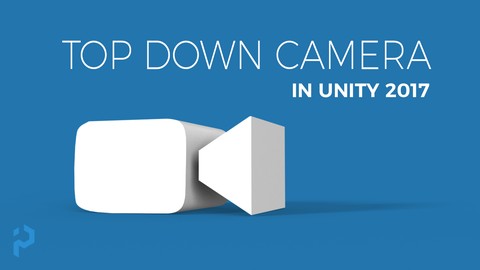
Unity 3D - Create a Top Down Camera with Editor Tools (Udemy.com)
Learn to create a Camera for your Top Down Games
Created by: Indie - Pixel
Last updated July 2018
 What you will learn
- Create your own Top Down Cameras in Unity 3D
- Understand how to automate the setup of Cameras in Unity 3D
- An insight into how to build editor tools for Unity 3D
- How to create custom menu items in Unity to automate workflows
- A solid understanding of Vectors to build motion for Cameras
How it compares
Against the other 183 rated Udemy courses in Unity on CourseDuck:
- Rating4.6 out of 5higher than 63% of them
- Reviews205#117 of 184 by number of reviews
- Length1.4 hoursshorter than 95% of them
- Last updatedJuly 2018earlier than 84% of them
 Course Description
Welcome to the Top Down Camera Course! Brought to you by Indie-Pixel. In this course we will walk through the process of creating a Top Down Camera like those seen in orthographic games. We will walk through the code logic, step by step. We will then Create a basic editor tool to make it easier for anyone to edit. Finally we will look at ways to automate the setup of the camera and how to make the code more re-usable by basing our classes. By the end you will have your very own Top Down Camera components that you can use in any Unity project! Best thing is that its free!

 Udemy Discount
The discount is applied through our link. Open the course from here and Udemy's current promotional price is applied at checkout on most courses, no code to type.
Some courses are excluded from Udemy's promotions. If the price does not drop, clear your browser cookies and use the button again.
Instructor Details

- 4.6 Rating
 205 Reviews
Indie - Pixel
I began this whole journey through art. When in high school I developed a
very strong interest in drawing and 2D animation. From there I began
to get enveloped into the work of 3D. After Graduating High school I
attended the Art Institute of Seattle. There I gained my AA degree in
Computer animation. I interned at Surreal Software, then moved onto
working on the very first version of Xbox at Microsoft. I worked on NFL
fever 2000, NHL Rivals 2002, and Inside Drive. From there I have worked
at Activision, again at Microsoft, my own companies Creative TD and
Ozone Interactive, and am now exploring Interactive Arts experiences at Indie Pixel. There have been many things
along the way but my love is in 3D, real-time arts, shaders, procedural
content creation, math, modeling, texturing, and helping others through
teaching.
 More courses by Indie - Pixel
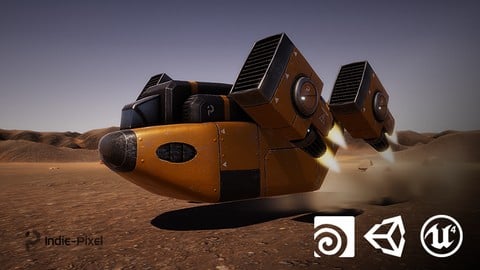
Vehicle Modeling in Houdini 16.5 - SciFi Dropship (2019)
4.8 (1,214 Reviews)
 Provider: Udemy
 Time: 10.3h
Free
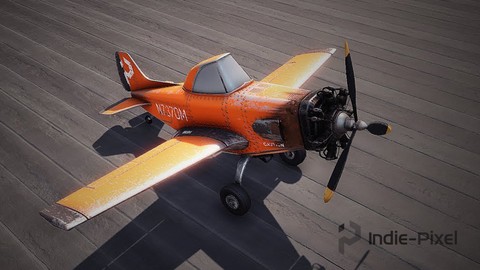
Intro to Airplane Physics in Unity 3D - 2017 & 2018
4.5 (634 Reviews)
- Provider: Udemy
- Time: 20.3h
$64.99
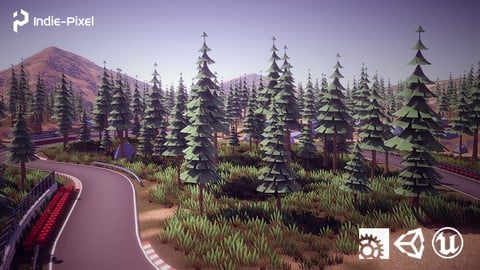
Procedural Race Tracks - Houdini 17.5/18 and Houdini Engine (2020)
4.5 (549 Reviews)
- Provider: Udemy
- Time: 23.9h
$69.99
Houdini 16.5 - Procedural Prop Modeling - Ammo Crate (2020)
4.8 (206 Reviews)
- Provider: Udemy
- Time: 3.2h
$64.99
More Unity courses

Learn to make an Awesome Builder-Defender game in Unity! (2021)
4.9 (1,909 Reviews)
- Provider: Udemy
- Time: 10.1h
$79.99


RPG Core Combat Creator: Learn Intermediate Unity C# Coding (2025)
4.8 (11,337 Reviews)
- Provider: Udemy
- Time: 27.6h
$149.99

Learn To Code By Making a 2D Platformer in Unity (2017)
4.8 (2,597 Reviews)
- Provider: Udemy
- Time: 13.1h
$13.99

Learn Blender 3D Modeling for Unity Video Game Development (2026)
4.8 (2,152 Reviews)
- Provider: Udemy
- Time: 11.7h
$149.99

Learn To Create A Roguelike Game In Unity (2020)
4.8 (1,234 Reviews)
- Provider: Udemy
- Time: 19.4h
$16.99
 Reviews

By Eduardo Seitz on 9/30/2025
Made a Reusable Camera System inside unity using editors and inheritance. Now clicking a single buttom in the top menu I can set up a top down camera. Learned: How to Draw Guismos and Customize Editor UI. How to make Editor Menus and Display Editor Dialog.
By Stelios Kromlidhs on 2/1/2024
It was fine but I think it could have been better if he was explaining everything by detail and make an empty project at the start with tutorials and help us build the game after watching the video tutorials. He started explaining everything very fast and confuse us.
By Holden Poll on 6/6/2023
This was a good course to get introduced into editor tools and camera systems. I was a little surprised the instructor didn't go a little further with this as to making a gizmo for adjusting the angle which was part of the top down camera system... or having the editor tool move the camera position to the specified location so you can preview what it looks like before going into game/play mode... but I'll personally take that as a self-guided learning process to make sure I understand the concepts that were taught before moving on to the next thing. Thanks for the great resource!
By Jeff on 9/5/2021
This was a great course and did exactly what it said it was going to do as well as teaching you about editor and inspector tools as well as gizmos and debug visuals in unity which is all really handy.
By Olivier Raveneau on 10/16/2020
J'avais pris ce cours gratuit par curiosité. On termine le cours, avec une camera Top Down facilement importable dans nos projet. Une programmation propre et extensible, des gizmos de réglage dans la vue, et la possibilité d'ajouter sont scripts sur les GameObject en passant par un menu. En 1h30, on apprend plus de chose que dans certain cours interminables qui rabâche les bases. Si l'autre cours "Create a Reusable UI System" est du même niveau, vivement demain.
By Aldo Tanca on 11/2/2019
Very Knowledgeable instructor, quite obviously he worked in actual production and shows actually productive ways to implement things. I like his approach.
By Joseph Rogers on 8/3/2019
Indie - Pixel classes are truly fantastic and are seriously a level above most of the other Unity offerings on Udemy. Kenny is very experienced and conveys strong methodology and intelligent design choices. Taking his classes will help make you a truly better programmer who doesn't just write spaghetti code and hack things together. It will give you a much better chance at functioning in a team environment. Regarding this specific class, it was very interesting and a cool look at designing what could become your own camera system.
By Suleiman. A on 4/24/2019
Any beginner or Advance developer who want to go the next level this instructor know what he is doing all of his course 200% amazing i am total beginner but i enjoy a lot when indie pixel teach me
By Frank Kristiansen on 3/5/2019
Overall a good approach to Top Down Cameras. Missing recommendations to some FREE assets to use, or even a complete scene to start off the tutorial with. It's always a bit frustrating (but you learn from it) to have to build a scene and a working vehicle before progressing with the rest of the tutorial.
By Jeffrey Crane on 12/30/2018
I enjoyed learning how to build out a modifiable top-down camera system, and how to create some basic editor tools. I would love to have given this 5 stars, but the code font is pretty small, which makes it difficult to see at times. Otherwise, I highly recommend!
 Quality Score
No CourseDuck member has rated this course yet. Taken it? Give each part a thumbs up or down.
Overall Score : 92 / 100
- Video Duration:
 1.4h
1.4h - Price: Free
- Provider: Udemy
- Updated:
 July 2018
 - Level:
 Beginner
 - Language:
 English
 - Certificate:
 No
No
Udemy Coupon Price Tracker
